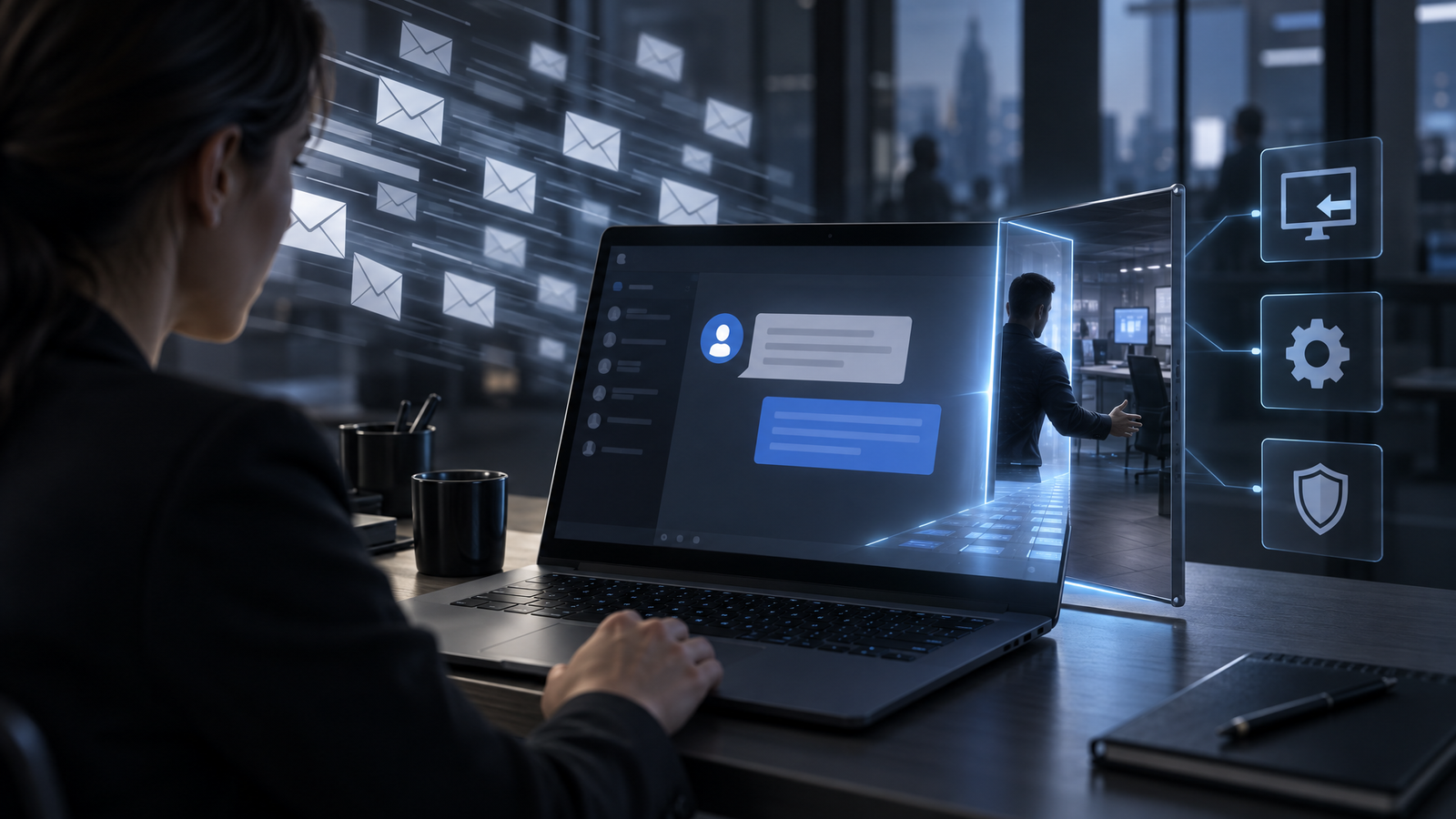
Employees are being flooded with email and then contacted through external Microsoft Teams chats by attackers posing as internal IT support. More than 400 incidents followed a recurring pattern, with targets contacted in short windows and malware sometimes running in under 15 minutes. The impostors commonly request remote access through legitimate support tools. Roughly 15% of observed cases progressed beyond the initial stage.
What Happened
Attackers are combining inbox disruption with fake IT support delivered through Microsoft Teams. The campaign begins by flooding an employee’s mailbox with newsletter subscriptions or other unwanted messages. Soon afterward, an external Teams account contacts the employee, claims to represent internal IT and offers to fix the problem the attacker created.
Researchers documented more than 400 incidents with recurring infrastructure, display names, tooling and payload domains. Attackers often target several users within windows of approximately five minutes, which suggests automation. Once a victim engages, malicious code can begin running in under 15 minutes. Roughly 15% of the observed cases progressed beyond the initial stage into successful compromise.
The impersonators try to look internal even though Teams marks them as external. Display names may include labels such as IT Support or IT Service Desk, add the word Internal, use local languages or incorporate the victim organization’s name. Some accounts come from quickly created Microsoft tenants, while newer activity has used attacker-controlled domains, including a notable share ending in .top.
After establishing contact, the attacker may move to a voice call and ask the employee to start a remote session. Quick Assist is the most common tool observed, but AnyDesk, ScreenConnect, Atera, Zoho Assist, NetSupport and LogMeIn also appear. The attacker can then execute malware, steal credentials, conduct reconnaissance, move laterally or install a second remote-access tool. Some incidents have ended in data theft and ransomware.
Why It Matters
This campaign does not depend on exploiting a known Teams vulnerability. It abuses a legitimate collaboration capability and the employee’s expectation that messages inside a workplace platform are more trustworthy than email. External access is commonly available, giving an attacker a path to contact users directly when both tenants permit it.
The speed of the sequence reduces the defender’s response window. An alert about a newly created external chat may arrive close to credential-theft or malware activity, and the attacker can use built-in or commercial support tools that also have legitimate business purposes.
The campaign also demonstrates that security awareness focused mainly on email is incomplete. Employees may correctly distrust a suspicious email yet respond to an apparently helpful message in a collaboration platform, especially when their inbox is already unusable. Clear support processes and platform controls are therefore as important as message content scanning.
What to Watch
Defenders should watch for new external one-to-one chats, especially those using IT-themed names, the word Internal or the target organization’s identity. The Teams ChatCreated event was identified as the primary early detection point. Unplanned launches of Quick Assist or other remote-support products shortly after an external chat should increase urgency.
The campaign is evolving. Researchers observed movement from free tenants toward paid domains and activity combining Teams abuse with other social-engineering methods. Microsoft said it planned to introduce phishing detection using conversation context for higher-risk messaging scenarios, particularly first-contact chats from external users. Organizations should still rely on current controls and monitoring rather than wait for a future feature.
What Defenders Should Do
External access: Replace unrestricted federation with an allowlist of trusted partner domains where business needs permit. Block chats from unmanaged or consumer accounts, prevent unmanaged users from starting conversations and block federation with trial-only tenants when those connections are unnecessary.
Detection: Alert on the creation of one-to-one chats from external accounts, particularly when the display name imitates internal support. Correlate those events with email-volume spikes, remote-support tool launches, PowerShell activity and credential alerts.
Remote support: Restrict Quick Assist and other remote-access products to authorized personnel and approved workflows. Employees should know whether IT will initiate an unsolicited session, which tools it uses and how to verify a technician independently.
User guidance: Train employees to read the external-sender label and treat claims such as Internal as untrusted display text. Explain the full attack pattern so an email flood followed by a helpful support message is recognized as one coordinated event.
Response: If a user grants access, isolate the device promptly and review credentials and remote-management software. Removing the first tool may not be sufficient because attackers have installed secondary access channels that can survive initial remediation.
The Larger Lesson
Business platforms are part of the social-engineering attack surface. A legitimate feature, trusted interface and approved support tool can form a complete intrusion path without a software exploit. Security therefore depends on limiting who can initiate contact, defining how support works and detecting when normal tools appear in an abnormal sequence.