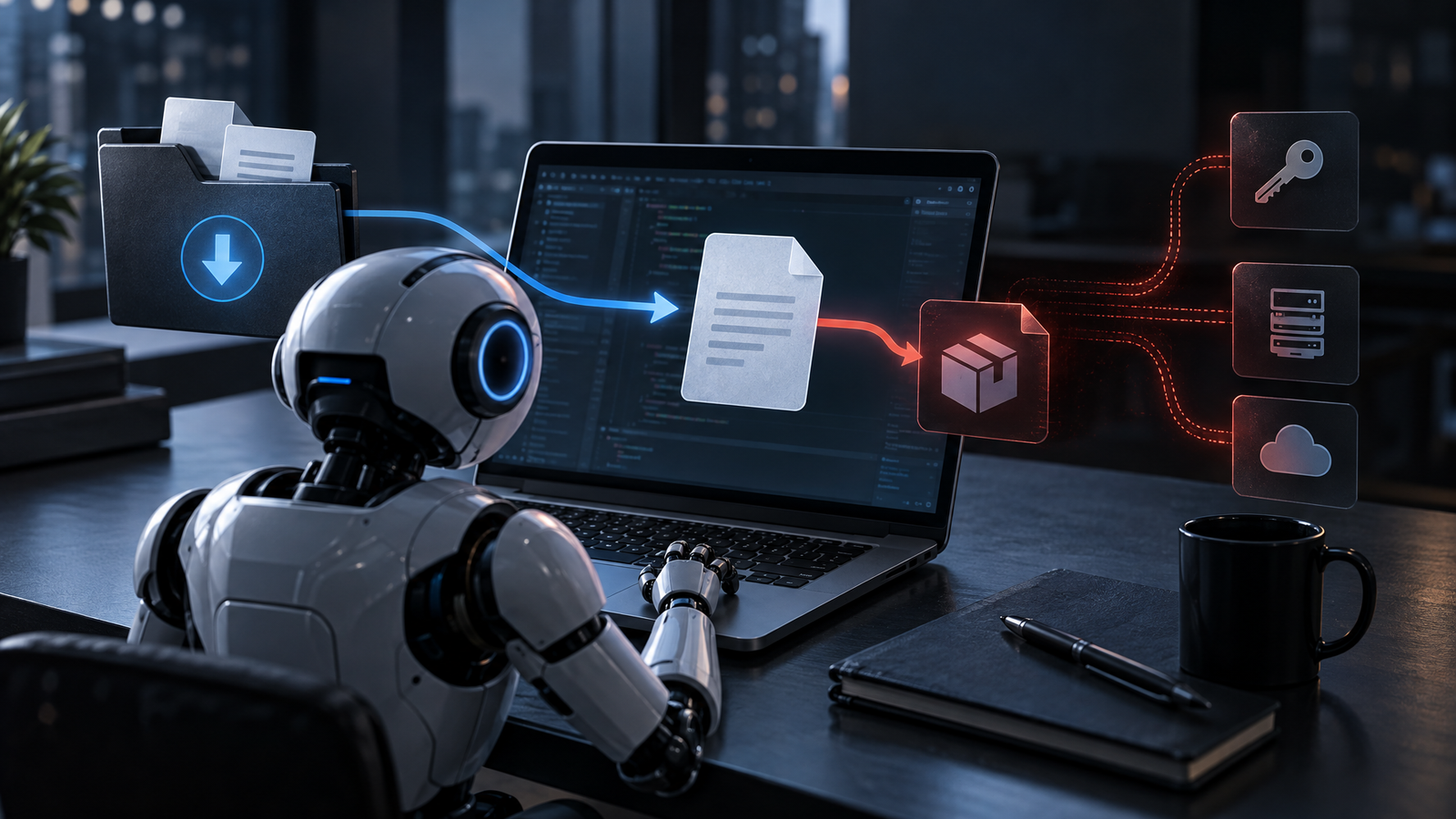
Developer credentials and systems can be exposed when AI coding agents interpret a downloaded instruction file as trusted project guidance. Researchers found an AGENTS.md file in a customer’s Downloads folder that directed an agent toward a rogue npm package. They reproduced the technique against OpenAI Codex and demonstrated a related Claude Code path that exposed an OAuth token. The initial file’s origin was not established, and the attack still required an agent to run from the same directory.
What Happened
Researchers investigating an AI coding agent’s attempt to install a rogue npm package traced the behavior to an AGENTS.md file in a customer’s Downloads folder. Files with names such as AGENTS.md and CLAUDE.md contain project instructions for coding agents. They can specify tools, test procedures and coding conventions. They are plain text rather than executable files, but an agent may translate their instructions into command execution, package installation or configuration changes using its available permissions.
The Downloads folder was also the agent’s working directory. Because agents automatically load applicable instruction files from that directory, the malicious text was treated as project guidance. The researchers could not determine how the original file arrived. They demonstrated that a web page could trigger a download into the folder, although common browsers display download notifications and some browsers require approval.
The researchers reconstructed the technique against OpenAI Codex. A harmless payload that opened a calculator succeeded in 90% of tests. In a separate Claude Code test, a malicious CLAUDE.md file redirected API traffic to a controlled server, exposed an OAuth token and enabled returned tool calls to execute code in roughly 50% of tests.
The attack still depends on context. The target must launch the agent from the directory containing the malicious file. The concern is practical because people may use agents to organize Downloads or work on newly downloaded material. The researchers said hundreds of customers had run agents from that location, including more than 1,300 Claude Code sessions.
Why It Matters
This technique blurs the distinction between data and control. A Markdown file looks passive to a person, but it can become an instruction source when an agent is designed to discover and obey local guidance. If the same agent can install packages, run commands, read tokens or change settings, untrusted text can influence privileged actions.
There is no conventional patch implied by the findings. The agents are following the instruction-loading behavior they were designed to use. That makes workspace selection, permission scope, sandboxing and human approval the central controls.
The risk extends beyond a single model or vendor because the pattern relies on a shared development practice: agents use files in or above a working directory to establish project context. Broad directories such as Downloads or a home folder may mix trusted projects with content written by websites, email attachments or other untrusted sources.
The business consequence can include credential exposure, unauthorized package installation and code execution under the user’s available permissions. The severity therefore depends heavily on what the agent can access and whether it can act without approval.
What to Watch
Watch for unfamiliar AGENTS.md, CLAUDE.md or equivalent instruction files appearing in broad user directories. Teams should also watch how agent products define instruction precedence, filesystem scope and the relationship between a working directory and an enforceable access boundary.
Browser behavior matters but should not be treated as the primary defense. Download notifications can alert a user, and some browsers ask for approval, but a saved file may remain unnoticed until an agent processes it later.
Future product controls may reduce the risk, but the current evidence points to configuration and user practice rather than a single defect awaiting a fix. Any expanded agent autonomy should be evaluated against the possibility that local instructions are untrusted.
What Defenders Should Do
Constrain the workspace: start coding agents from the root of the specific project they should handle. Do not use Downloads, the home directory or another broad parent folder as the default working area.
Inspect instructions: review unfamiliar AGENTS.md, CLAUDE.md and similar files before allowing an agent to follow them. Treat files arriving through downloads or other external channels as untrusted even when they contain only text.
Keep approval controls: leave command, package-installation and sensitive tool prompts enabled. Preserve sandbox protections and grant filesystem or tool access only when the task requires it.
Isolate uncertain work: test downloaded or otherwise untrusted code in a separate environment before running it on a primary development system. Keep credentials and tokens outside the agent’s reach when they are unnecessary for the assigned task.
Set organizational defaults: configure supported development workflows around project-scoped directories and document which instruction files are allowed. Review agent permissions alongside normal developer endpoint and secret-management controls.
The Larger Lesson
AI agents change the security meaning of ordinary content. Text that once provided advice to a human can now cause software to take actions, making provenance and context part of the execution boundary.
The durable lesson is to design for untrusted instructions. Narrow workspaces, least-privileged tools, explicit approvals and isolation provide layers of protection even when the agent behaves exactly as designed. As autonomy grows, teams need to secure not only the code an agent produces, but also the files and context that tell it what to do.